

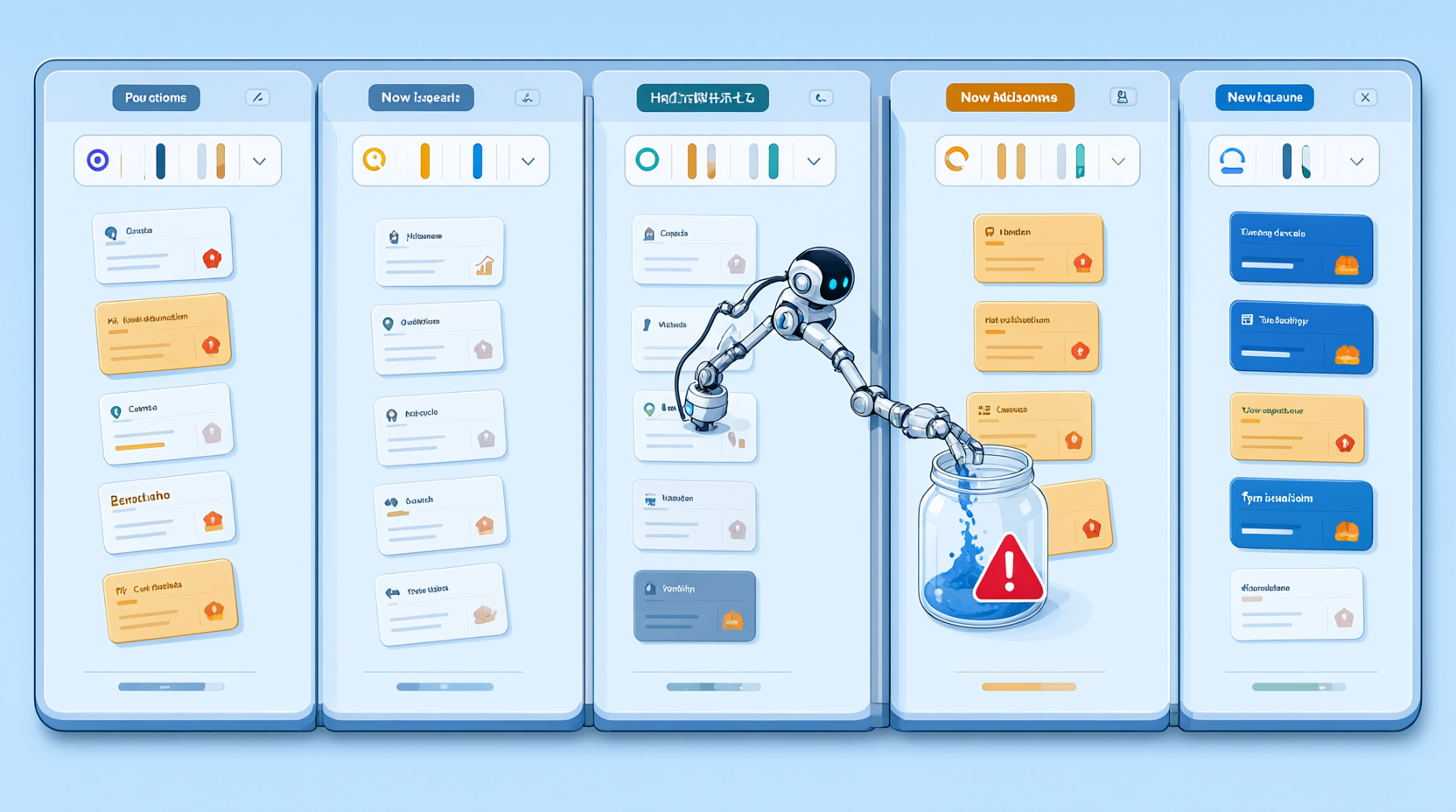
Why Your Single AI Workspace Is a Ticking Time Bomb for Multiple Brands
You check your API dashboard on a Tuesday morning and the credits are gone. Not low. Gone. Somewhere between a client invoice and a weekend automation, one brand just paid for another brand's mistakes.
If you run more than one business from a single AI workspace, you don't have a productivity problem. You have an accounting time bomb. And there's one architectural pattern that makes cross-billing chaos structurally impossible, which I'll break down after we look at why the problem is about to get much worse.
Here's the hidden cost nobody puts on a slide: one runaway automation, one forgotten API loop, one client's agent can drain a budget that belongs to a different brand entirely. You won't notice until reconciliation day, and by then the money is spent.
The 2026 consolidation trend makes this worse before it gets better
Major platforms are racing to unify apps, agents, and integrations into single hubs. Salesforce launched AgentExchange to connect AppExchange, Slack, and Agentforce. Anthropic introduced the Claude Marketplace for enterprise procurement. OpenAI released workspace agents for ChatGPT.
More agents under one roof means more blast radius. When every tool shares one credential pool, a single misconfigured agent can reach across every brand you own.
Consolidation multiplies capability. It also multiplies the cost of a missing tenant boundary.
The three failure modes that trigger cross-billing chaos
- Shared API keys with no per-brand attribution
- Undifferentiated namespaces where staging, client A, and client B look identical to your logs
- No per-brand approval gate for new tool purchases, so anyone can spend from the shared pool
Each one alone is survivable. Together, they guarantee you'll eventually explain to a client why their budget funded someone else's experiment.
The Realm Pattern: How to Isolate Credits, Agents, and Data Per Brand
A Realm is a tenant boundary. It bundles credits, members, tasks, calendars, and integrations under one identity without fragmenting your account. You keep one login. Each brand gets its own world.
This is where most multi-brand operators get stuck: they think isolation means managing five separate accounts. It doesn't. It means one account with five hard walls inside it.
The isolation checklist
Then map each vendor and agent to exactly one business task. If two tools do the same job in different realms, retire one. The practical target is 2 to 4 core tools per realm, not 12.
Fewer tools per realm means fewer credentials to rotate, fewer invoices to reconcile, and a smaller surface for an agent to wander across.
Routing by company_id: The Orchestration Layer That Prevents Budget Bleed
Isolation at rest is easy. Isolation in motion is the hard part, and it's where budgets actually bleed.
Your orchestration layer must route every request by company_id with per-company credentials. Never a shared service account. The moment one agent authenticates as "the platform," every downstream call becomes unattributable.
A concrete routing schema
That third step is the one teams skip, and it's the one that saves you. A budget guard turns a silent overrun into a loud, immediate failure at the boundary instead of a surprise on your statement.
Now for the part nobody talks about: MCP-connected agents should inherit the realm's scope automatically, not reach across tenants. If your agent has to be told which company it's working for, you've already lost the guarantee.
The Approval Gate: One Named Owner, One Purchase Path, Zero Surprises
Technical boundaries stop accidental bleed. They don't stop a teammate from buying the fourth project management tool this quarter.
Assign one named AI owner per organization. Not a committee. A person. This kills the "who bought this tool" problem before it starts, because there is exactly one answer.
The one-approval-process rule
No new tool, agent, or integration enters a realm without a documented sign-off. One path, one form, one record. When procurement has a single door, you always know what walked through it.
Back that with a lightweight quarterly audit: map every vendor to a business task, flag overlaps, retire anything duplicating another realm's capability. Teams that run this consistently tend to keep their stacks lean without anyone feeling restricted.
Your 7-Day Realm Setup: From Chaos to Governed Multi-Brand Workspace
Here's the sequence I'd run, compressed into a week.
Days 1-2: Inventory every brand, every tool, and every shared credential you currently use. Flag anything crossing tenant lines. You will find at least one.
Days 3-4: Create one realm per brand. Assign credits. Invite only the members who belong to that brand, and remove everyone else.
Days 5-7: Connect your existing tools (Gmail, Notion, GitHub, Figma, Calendly) inside each realm. Set the budget guard. Then run a controlled test: trigger an agent in Realm A and confirm Realm B's credits, logs, and data stay untouched.
If that test passes, you've moved from hoping isolation works to proving it does.
What Changes When Every Brand Has Its Own Realm
You stop guessing which brand paid for what. Credits, tasks, and logs stay inside the boundary they belong to, and reconciliation becomes a glance instead of an investigation.
You can hand a client their own realm with confidence, because your other brands are architecturally invisible to them. That's not just cleaner. It's a selling point.
And you unlock the real upside of the agentic workspace era: shared infrastructure, isolated risk, and a governance model that scales from 2 brands to 20.
Start today by listing every shared credential you're currently using. One page, ten minutes. That list is your entire migration plan.
Which model are you running right now: one workspace for everything, or a realm per brand? The tradeoffs are real, and I'd genuinely like to hear where yours broke first.